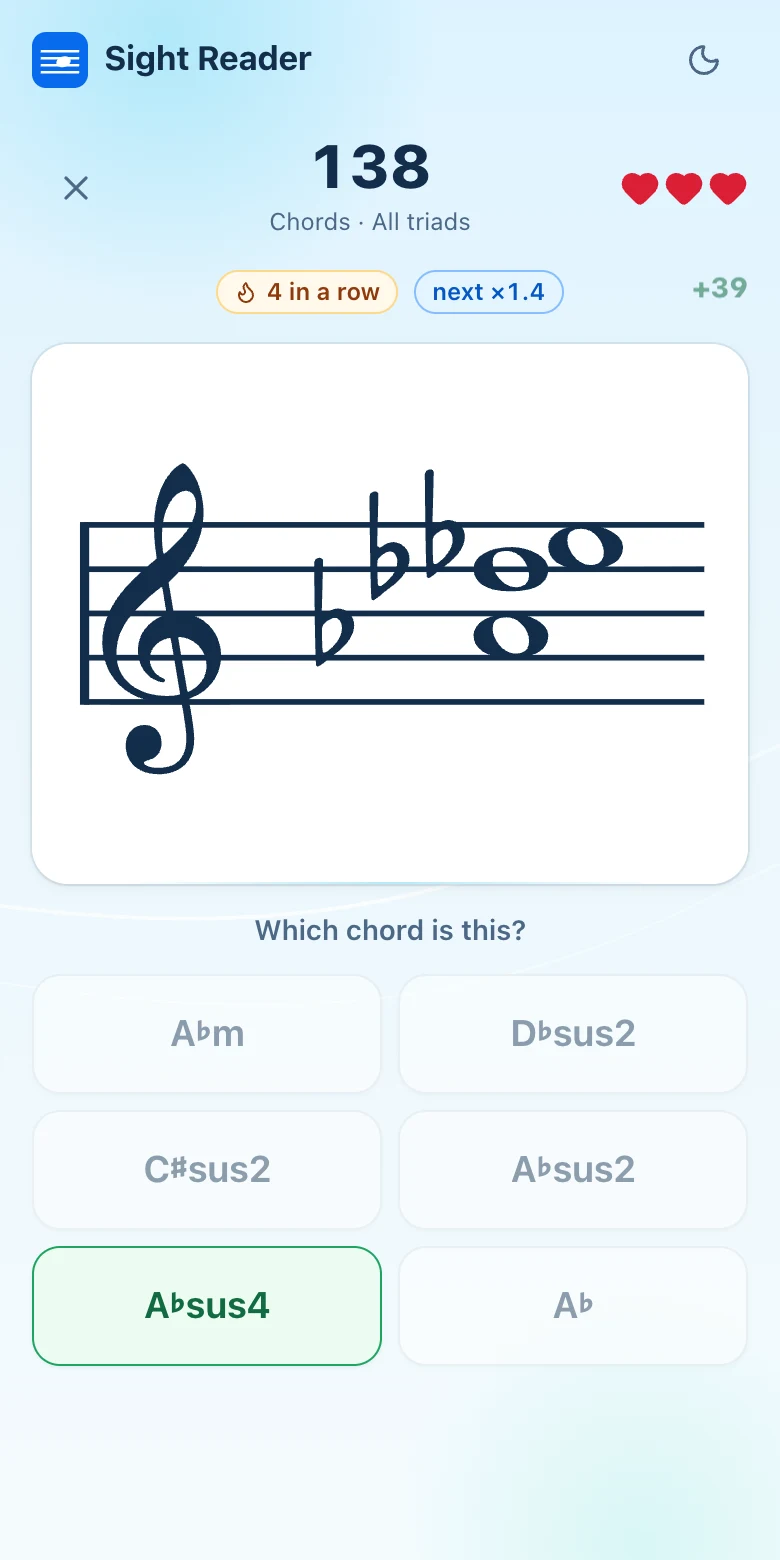
Six answers, always close
The distractors are ranked by how easily you would confuse them with the truth: shared notes for chords, staff distance for notes, neighbours on the circle of fifths for keys.
Side work / Sight Reader
A sheet music trainer for your phone. Name the note, the chord, the key, the interval. Every wrong answer is a near miss, so the only way to win is to read the staff.
Free. No account, no sign-up. Your best scores stay on your device.
01 / The idea
Show a C minor seventh chord next to F♯ major, a sharpened ninth and a note called Zebra, and you can pass without reading a single note. Sight Reader builds its wrong answers the other way round: it picks the chords that share the most notes with the right one. If you misread one note, you land on a wrong answer.
Most of these can be crossed out without looking at the staff.
The wrong answers are the chords closest to the right one: usually a single note off, or nearly the same notes under a different root. You have to look.
02 / Levels
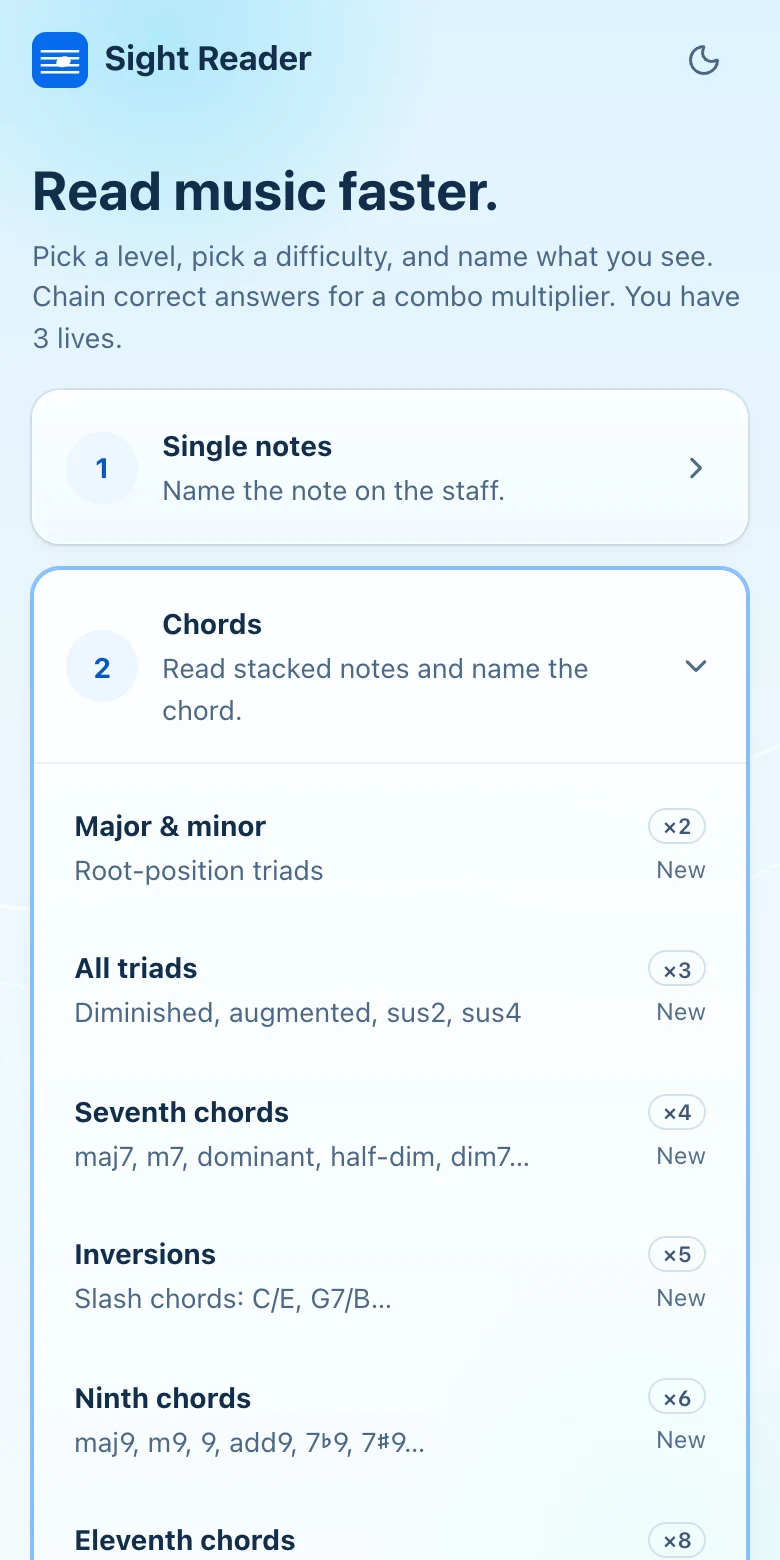
Pick a level, then a tier. Harder tiers are worth more points (the multiplier is shown next to each tier below), so you are rewarded for climbing, not for farming the easy stuff.
The foundation. Name the note on the staff, from the friendly treble clef to alto and tenor clefs with ledger lines high above the staff.
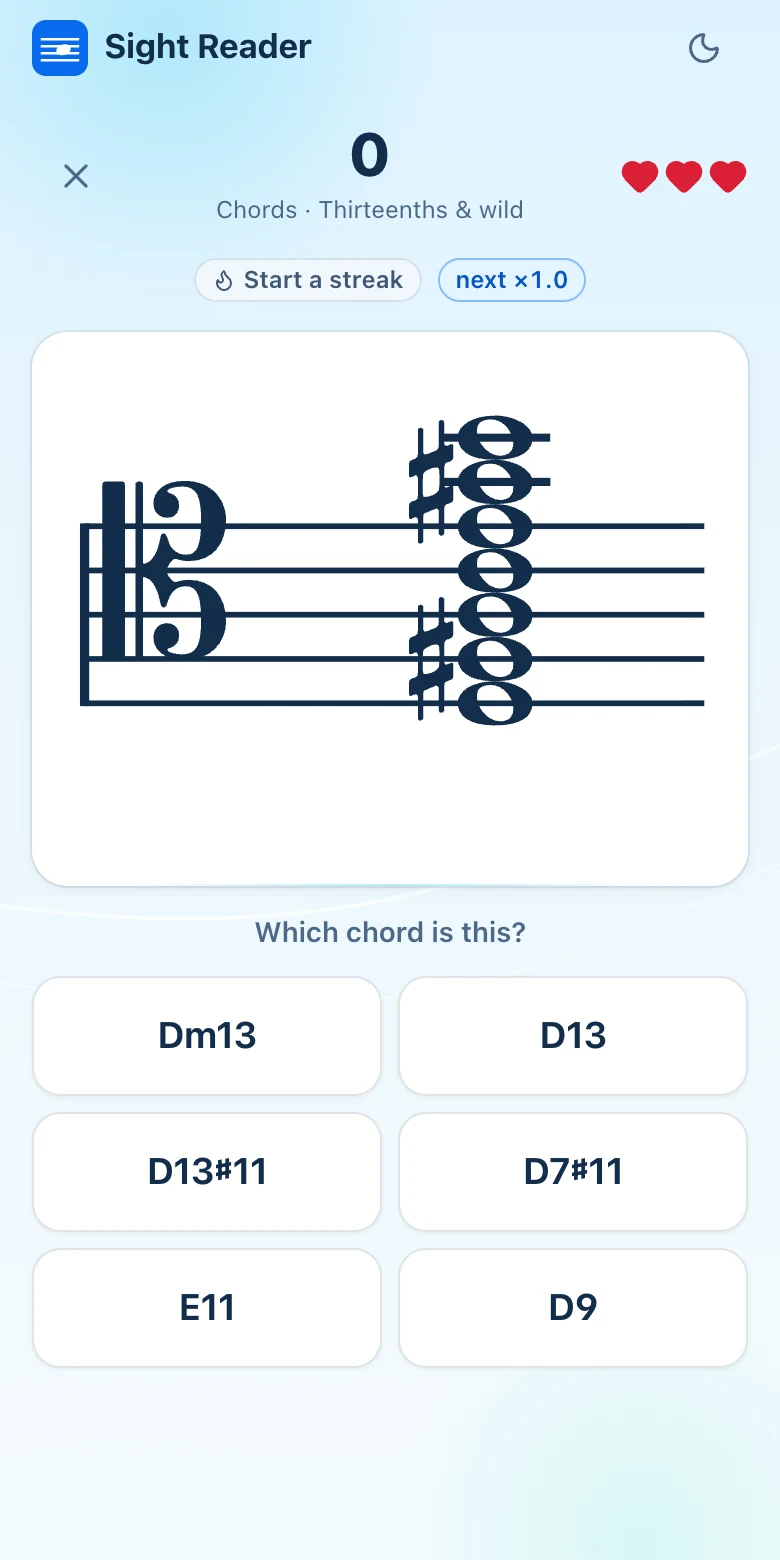
Stacked notes in, chord name out. Starts at major and minor triads and climbs through inversions (slash chords) to extended and altered chords, in treble, bass, alto and tenor.
The sign in front of a note shifts it. Learn to read it, then to read what the key signature does to notes that don’t carry a sign at all.
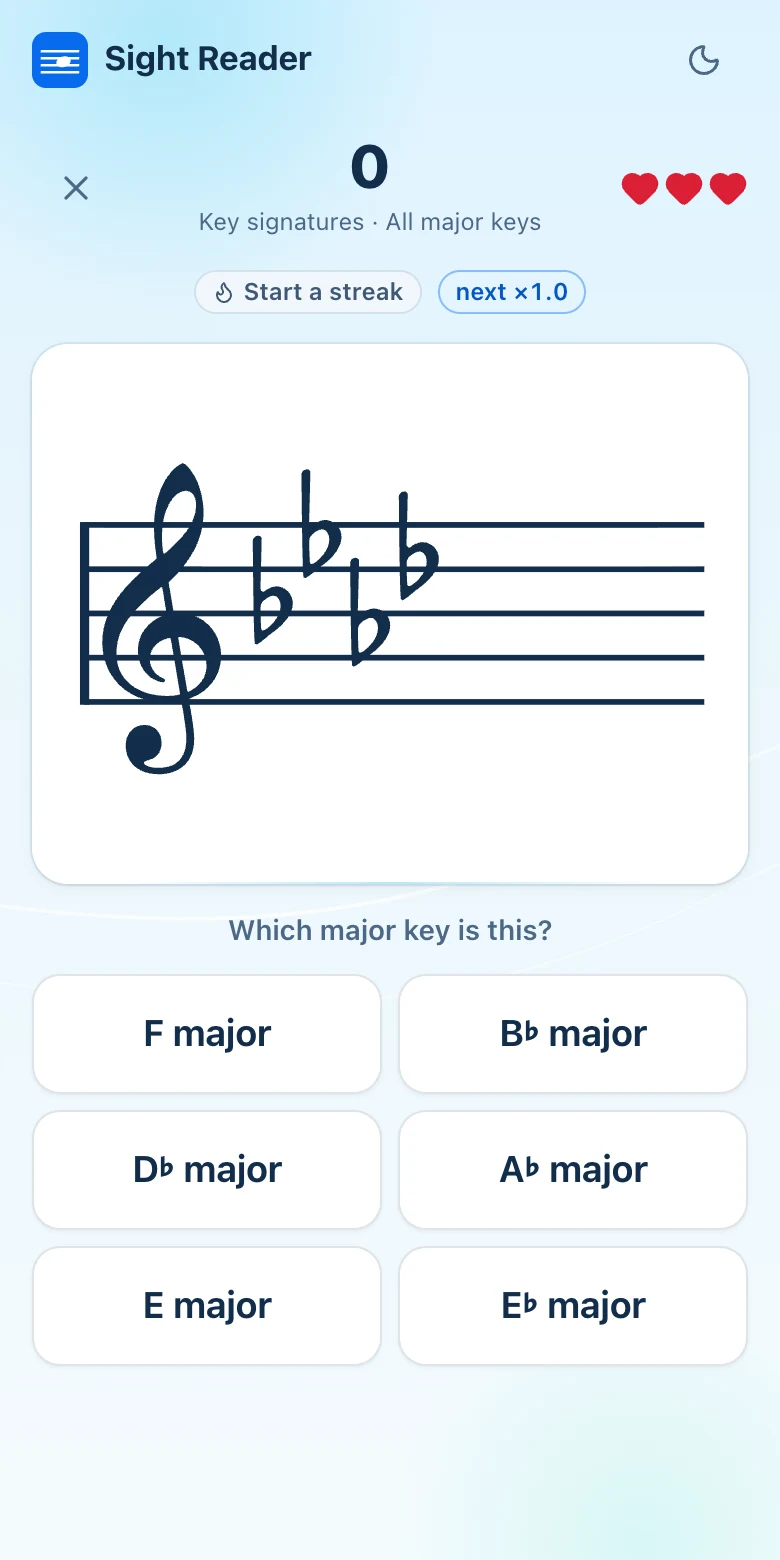
Count the sharps and flats, name the key. Ends with major and minor in all four clefs, where the accidentals sit in different places.
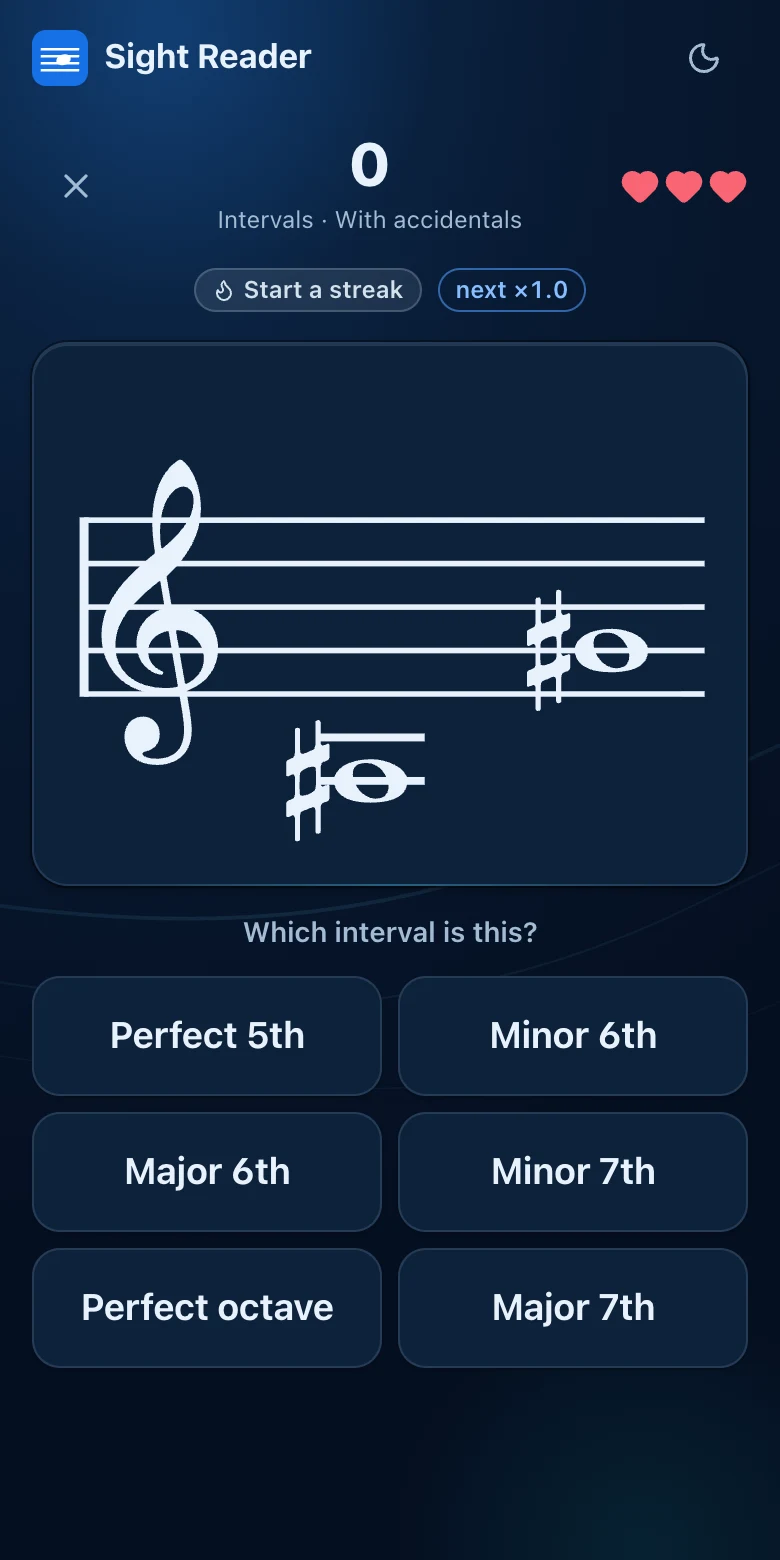
Two notes, one name. Major third or diminished fourth? The answer lives in the letters as well as the distance.
03 / How it plays
The distractors are ranked by how easily you would confuse them with the truth: shared notes for chords, staff distance for notes, neighbours on the circle of fifths for keys.
Answer buttons are reordered each time a question appears, so you can’t learn that “the third one is usually right”. Questions come at random and don’t repeat until you have seen the whole pool.
A correct answer scores 10 × tier × combo. Each answer in a row adds 0.1 to the combo, up to ×3. One mistake resets it. Three mistakes end the run.
A best score and best streak are kept for every tier in your browser’s local storage. There is no account, no server and nothing to sign up for.
The staff, the prompt and all six answers fit on one phone screen with no scrolling. On a computer you can answer with the 1–6 keys.
Four themes from the Orbit design system. The notation switches to light-on-dark with the rest of the page.
04 / Screens
05 / Under the hood
Speed was a requirement, not a nice-to-have, so there is nothing to wait for: every question and every answer was worked out before the site was built.
Orbit design system. It deploys as a static site on Coolify.Pick a level and see how long you can keep a streak going.
Open Sight Reader